
From a transcript to a reader decision
How to turn a podcast into a LinkedIn poll
To turn a podcast into a LinkedIn poll, pick a passage that gives readers a real choice. Credit the speaker in the post, then ask a question readers can answer from their own experience. When the poll closes, report what the people who voted chose; the votes do not verify the guest’s claim.
Consider a podcast about work changing hands. “Do you agree that good handoffs matter?” gives a reader little reason to choose. Asking what a colleague most needs in a handoff note gives each answer a practical consequence: it identifies what the voter would add first.
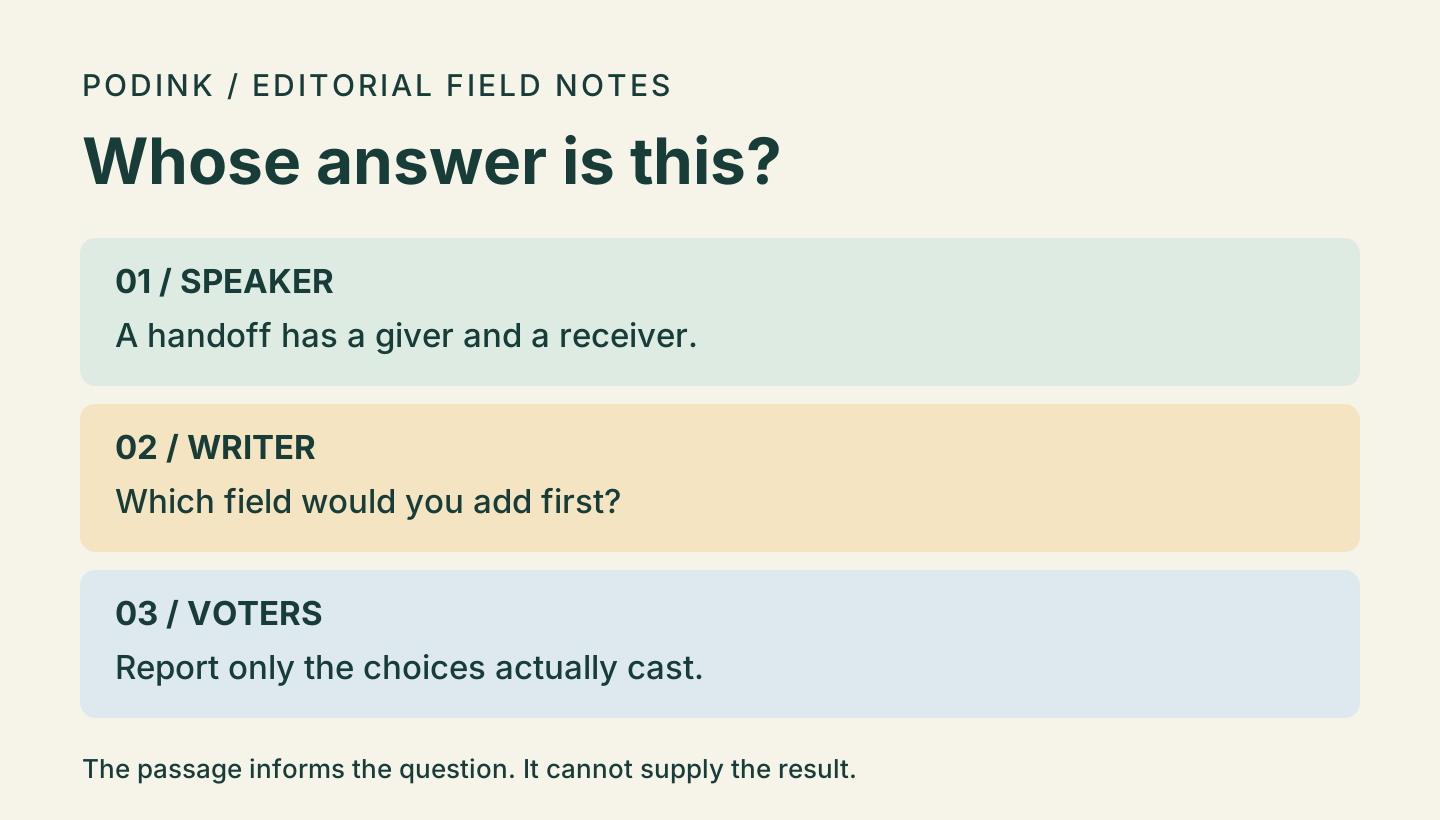
What the guest said, and what you can ask
In a Stanford interview with Matt Abrahams, Bob Sutton suggests looking at handoffs from the perspectives of the person passing work on and the person receiving it. Find “hand-offs” in the Full Transcript and read through the end of his answer. Source: Stanford Graduate School of Business — Be Better at Work: How to Communicate Better with Coworkers and Employees.
Sutton does not rank fields in a handoff note. The poll below is our way of exploring the receiving side of his example. A reader can choose an option without having heard the episode, and a vote for a date does not imply that Sutton favors deadlines over clear ownership.
Ask a question people can answer under their own name
The author can see who voted and how each person voted. For a poll posted by a LinkedIn Page, Page admins can see individual choices too. LinkedIn rules out questions about political opinions, health status and other sensitive data. Ask about the note itself, not a colleague’s performance or private circumstances. Source: LinkedIn Help — LinkedIn Polls.
Copyable poll
A complete LinkedIn poll from the handoff passage
Put the introduction and source link in the post text. Put the question and each answer in their own poll fields. The labels below are for you, not part of the copy. Set a closing time before scheduling any follow-up.
POST TEXT
When work changes hands, what do you wish the note told you? In a Stanford interview, Bob Sutton suggests looking at a handoff from both ends: the person passing work on and the person receiving it.
Here is my question, not Sutton’s: imagine receiving a handoff note with room for one more field.
Source: Stanford interview with Bob Sutton. In the written transcript, search for “hand-offs.”
https://www.gsb.stanford.edu/insights/be-better-work-how-communicate-better-coworkers-employees

POLL QUESTION
If you could add one field to a handoff note, which would you add first?

OPTIONS
Person responsible
Action requested
Date needed
Something else

OPTIONAL FOLLOW-UP AFTER THE POLL CLOSES
Of [total votes] people who voted, [votes for the option] chose [option]. I’ll use that as a starting point for [next question or practical test].
If there are no votes, skip the result sentence; there is no preference to report.
Draft the poll
From a passage to a poll you can use
Start with a decision a reader can make
Look for a choice where reasonable people might pick different answers. If the transcript only supplies a definition, a short explanatory post may serve it better. A poll about whether the guest is correct asks voters to stand in for evidence.
Give the answers a common frame
Imagine a colleague who needs both the owner and the due date. Asking what to add first lets that colleague choose one priority without denying the value of the other. Pew’s guidance on closed-ended questions explains why wording and the options offered can change responses. Source: Pew Research Center — Writing Survey Questions.
Separate the post text from the ballot
Put the credit and context in the post text. Keep the question and choices in the poll fields. Decide when you will come back to read the result: for example, pick a three-day poll if you plan to discuss it later that week. Check the offered duration and audience in your composer before posting. Source: LinkedIn Help on poll duration and visibility.
Write the follow-up after the vote
Record the total and the count for the option you name. If several options tie, say so; if few people vote, report counts rather than drawing a broad conclusion. Keep suggestions in comments separate from counted votes.
Question repair
Repair a question that already contains the answer
A draft asks, “Do good handoffs make teams happier and more productive?” Its only options are “Absolutely” and “Of course.” Here is what breaks when a reader tries to vote.
| Draft problem | What a voter has to do | A repair |
|---|---|---|
| Two outcomes | A voter might think a handoff helps productivity but has no effect on morale. | Ask which field the voter would add first. The choice answers one question. |
| Only agreeable answers | “Absolutely” and “Of course” give someone who disagrees nowhere to go. | Offer different fields and a remaining choice. A voter can disagree about priorities. |
| A tempting conclusion | “The results prove Sutton was right” treats a preference as evidence for a different claim. | Describe how the participating voters divided. Keep the guest’s observation attributed to the interview. |
When reporting results:
“Name the voters you counted, not an audience you never sampled.”PodInk editorial rule for reporting a poll
“Something else” is useful here because a reader may want the last decision or an escalation contact instead. If many choose it, ask which field was missing. Do not silently recode their votes from the comments.
Use the result to pick a follow-up question or test a sample note. To find out whether a revised note reduces confusion, you would need to observe actual handoffs.
Compare how the approved core changes in the LinkedIn workflow and the X workflow.
Read the choices
Check the question from the voter’s seat
| Check | Look for | Change if needed |
|---|---|---|
| Can I vote without hearing the episode? | The prompt names the handoff note and asks for one priority. | Move essential context into the question if the options are otherwise ambiguous. |
| Do two options mean the same thing? | “Owner” and “person responsible” split the same preference. | Keep one label; use the spare slot for a distinct choice. |
| Would I answer this under my name? | LinkedIn says authors can see individual votes; Page admins can see them for Page polls. | Ask about a routine work choice. Do not ask about health, political opinions or other sensitive data. |
- Credit the source and label the question as yours.
- Check the final question, all visible options, audience and duration in the actual composer.
- Keep the total vote count and any tie with the result you report.
Evidence boundaries
What this example can establish
- The source is a written transcript; no recording, clip or exact spoken quote was verified.
- The poll is an unpublished editorial example. No votes, engagement results or platform preview were observed.
Human review remains necessary. No repurposing workflow can turn weak evidence into a strong claim.
FAQ
Frequently asked questions
Is a LinkedIn poll anonymous to the author?
No. LinkedIn says the author can see who voted and how. For a LinkedIn Page poll, the Page’s admins can see individual choices. Do not promise anonymity or ask people to disclose sensitive information.
What if the guest never proposed my options?
Introduce them as your question. Link the passage and keep the paraphrase narrow. If the connection would take a long explanation or suggest an endorsement, choose a different passage.
Can I call the winning option what listeners want?
No. You know what participating LinkedIn voters selected from the options you supplied. You do not know that they listened to the episode or represent the audience.
Evidence
Sources and comparison pages
- Be Better at Work: How to Communicate Better with Coworkers and EmployeesStanford Graduate School of Business
- Writing Survey QuestionsPew Research Center
- LinkedIn PollsLinkedIn Help
- Create LinkedIn PollsLinkedIn Help